
Features

What Dimmer does.

Everything below is built today. None of it is a promise about results.

Eyes-free session mode

Run a session without looking at your phone.

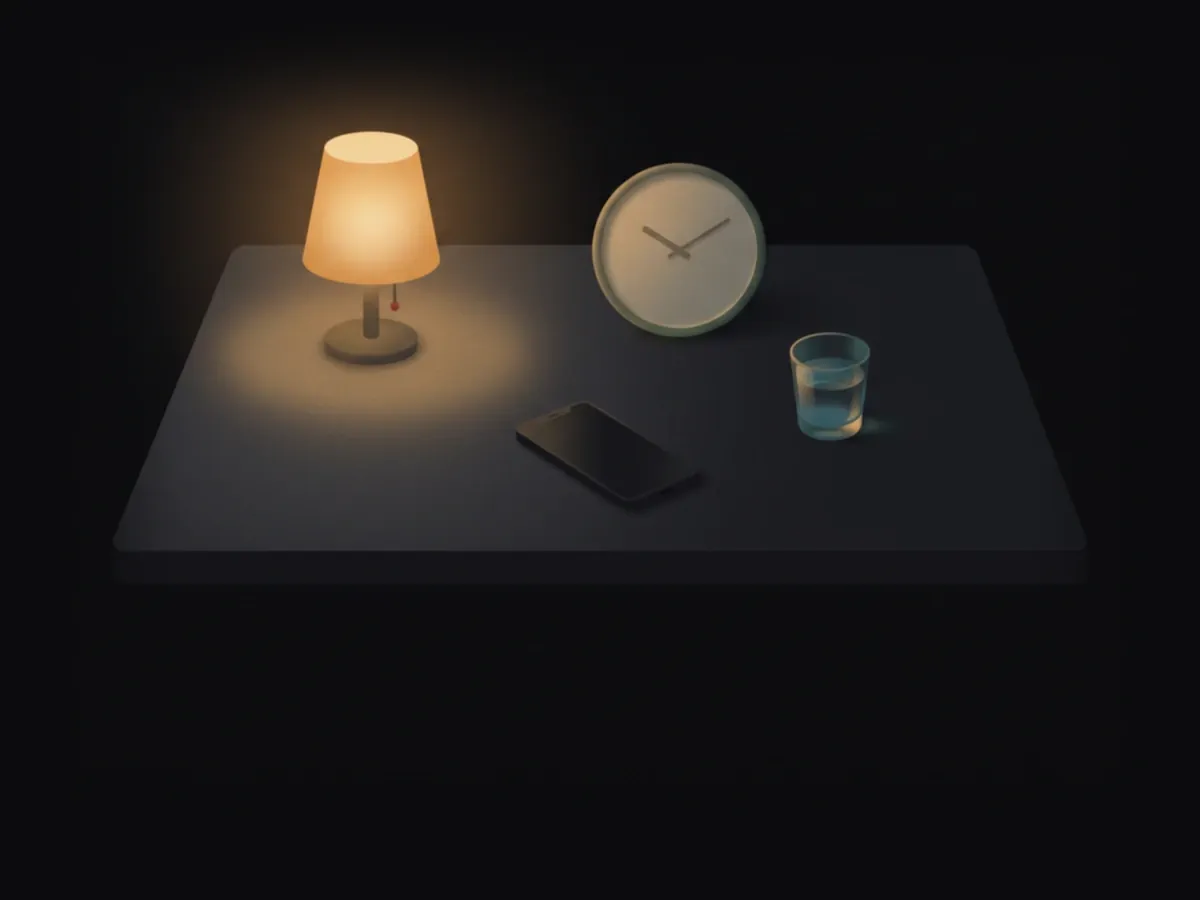
The whole screen is one target, each action has its own vibration, and a soft cue marks the end of the slow start and of the session. Your attention stays on your body. It is the recommended way to train.

Phase 2

A built-in breath pacer.

It trains a slow, steady breath. Choose a breathing pace that suits you. Follow it by sound, by feel, or with your eyes. Rest your phone on your belly and see how much of your breathing kept the pace.

Arousal ladder

Rate arousal on a clear, named ladder.

Six rungs, read from the bottom up. Each one has plain signs, so you rate what your body is doing, the same way every time. See the ladder

Timing

Every session, in one list.

The app times the slow start, every stop and every rest for you, across the 20 minutes. Look back at any session, from your first week on.

In a session

  • Nothing to tap. Just train.

    Hands-free mode: a dark screen with the clock. Afterwards you give the number of stops and a rough rest length.

  • Try the controls before you start.

    A short practice run in the introduction, with nothing recorded.

  • Optional soft tones, made for earbuds.

    Cues you can hear without looking. Or turn them off.

  • The session timer stays accurate if your screen locks.

    Lock the phone, put it down. The timing holds.

  • Setbacks are logged as data, not failure.

    Log it in one move, and undo it if you logged it by mistake. Finish the week, then repeat the Phase, with no penalty.

  • Started by mistake? Discard it.

    A session you did not mean to start is removed from your history.

Rating and progress

  • Each rating shows what the value means, to help you rate the same way each time.

    Clear anchors under every scale, so last week and this week mean the same thing.

  • Not sure where you got to? Two quick questions help.

    For the moments you could not tell which rung you reached.

  • Track how your control changes, rated by you.

    Trends from your own sessions. No benchmarks against anyone else.

  • See how each session went, compared only with your own sessions.

    A short result after each session.

  • You decide when to move on.

    After a clean week the app proposes the next Phase. You confirm it, or take one more week.

  • A gentle reminder to rest.

    Rest days are part of training.

Learning

  • Learn the whole method before your first session.

    Short guides to the program, to rating, and to the body.

  • Step by step, for each phase you reach.

    Each Phase opens with a guide to how its sessions work.

  • One small tip a day for your phase.

    Short, and only for where you are.

  • Every claim shows its source.

    Facts in the guides link to a journal source, or say plainly that they come from training practice.

Your data

  • Lock the app with Face ID or your passcode.

    Someone picking up your phone sees a lock, not your sessions.

  • The app hides its screen in the app switcher.

    Swiping between apps shows a plain cover.

  • Export your data at any time.

    Everything you logged, in one file.

  • Open your data in a spreadsheet.

    A CSV export, if you like your own charts.

  • Back up with an optional passphrase.

    Add a passphrase to a backup file, and restore from it later.

Coming

  • Log in full detail when you want to.
  • Phases 3 to 8, each when you reach it.
  • French, German and Spanish.
  • Android.

No dates. They come when they are ready. What the app sends: nothing · The method behind it · Questions about the app

The launch email

These are built today.